On this page
Suppose reviews of a wash bag say, “I thought the bottles were included.” Your team keeps replying that they are sold separately. The main product photo still shows a full set.
Check the package contents, then fix the expectation where it starts: show what comes in the order and label the styled photo “Bag only. Bottles sold separately.” The next shopper should not need to read a disappointed buyer’s review to understand the offer.
Product review analysis helps you find these practical changes. Start with one product, look for specific problems, and decide whether to improve the buying information, explain how to use it, or investigate the product itself. The examples below are fictional; the method works with a small set of reviews you can read yourself.
Start with a product that already needs attention
Choose a product that keeps coming up in support conversations or returns. Open its recent reviews alongside the product page. Include positive reviews too: “Love it, but assembly took ages” contains something useful to check.
Keep the first pass small enough to read in full. Use reviews of the current version, with dates and variants where available. If the design changed, separate older reviews rather than assume the old issue was fixed. Count a confirmed imported duplicate once. Similar wording alone does not prove that two reviews are duplicates.
For each useful comment, save the customer’s wording and a link or row number so you can find it again. Add a specific description such as “bottles looked included” or “zip detached,” followed by where to check it: the page, instructions or product itself. A simple note or spreadsheet is enough.
If reviews are thin, support questions and return reasons can provide more clues. Label those sources separately so you do not count a support ticket as another review. You do not need a large pile of feedback to correct a misleading photo.
Group the problem rather than the rating
“Poor quality” is too broad to act on. A broken zip, loose stitching and fabric that feels thinner than expected may need different fixes. Give each its own short label, and keep the supporting words beside it.
Count separate reviews describing each problem, and keep praise about the same feature visible. The count tells you what appears in the reviews you read. It does not establish how common the problem is among all buyers. A review that mentions both a broken zip and loose stitching can belong to both groups; adding the group totals would count that review twice.
Look at why comments differ. One buyer may find a bag too small, while another likes how little space it takes up. Check what each wanted to carry. Clearer dimensions and a packing photo may help shoppers choose. Changing the size could introduce a trade-off for people who value its compactness.
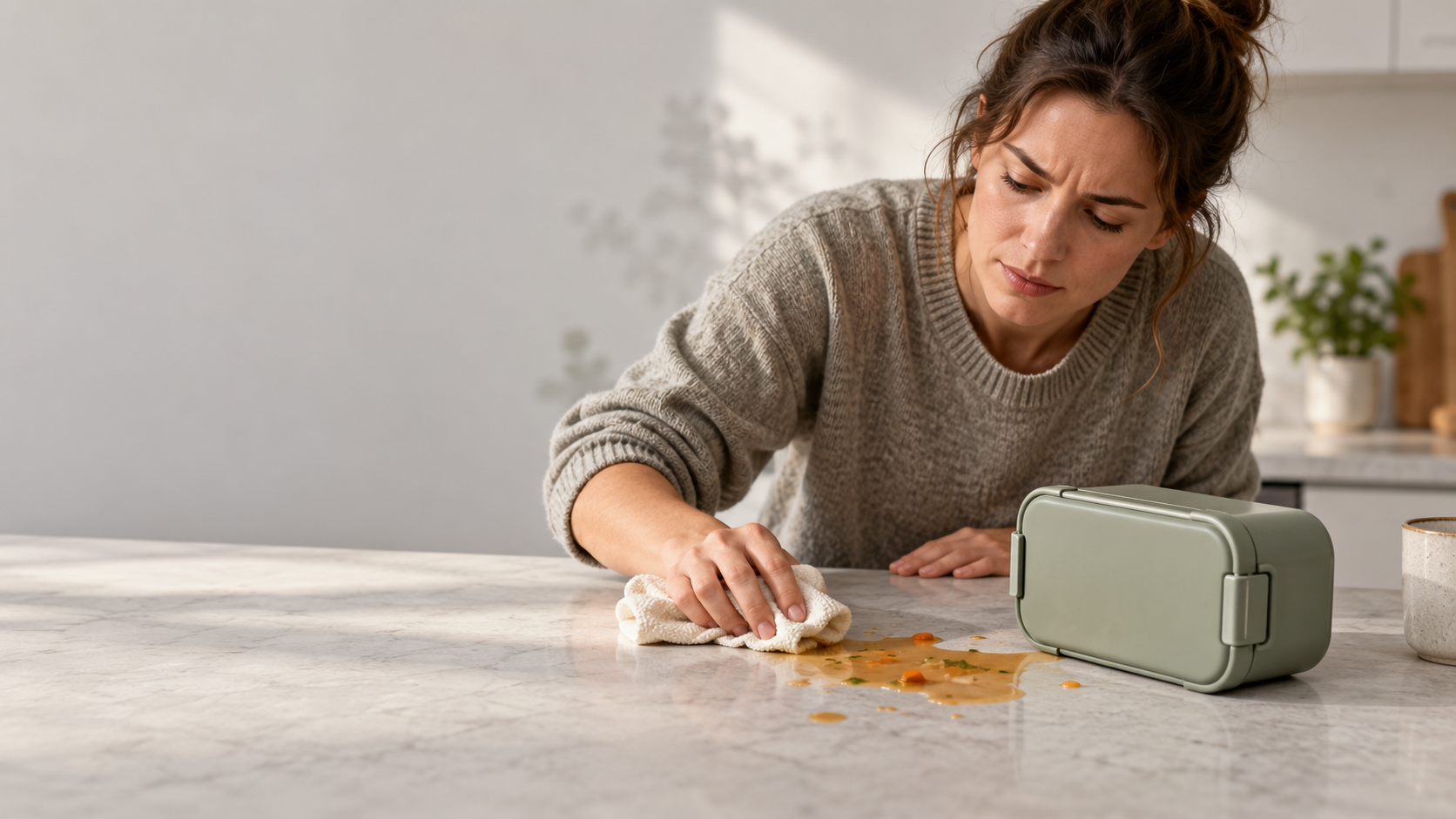
Preserve important conditions, too. “It leaked sideways with soup” and “No leaks carrying solid food upright” describe different experiences. Neither settles the other. Check that comments describe the same conditions before treating them as a pattern.
Match the complaint to a specific fix
A buying surprise
“I thought the bottles were included.”
Check what the package actually contains. If it is the bag only, show the bag on its own in the main image, label styled photos “Bottles sold separately,” and put “Includes 1 wash bag” near the buying options. Check that captions and variant descriptions agree.
A product-page FAQ can repeat the answer, but it should not be the only place buyers discover what they are paying for. The main buying information should answer the question at the point where the expectation forms.
Use the same approach for “smaller than expected.” Verify the measurements, make them easy to find, and show the item being held or used. Baymard’s product-image research explains how a familiar visual reference helps shoppers judge scale. Keep pictured props clearly separate from included items, and avoid implying the product fits every bag, shelf or room.
A use question
“I couldn’t work out how to remove the shelf.”
Imagine a bathroom organizer with a removable shelf. Reviews praise the storage but say cleaning is awkward. Support keeps explaining how to release the shelf from its clips.
Try the process before writing instructions. If the shelf releases as intended, take a close-up photo of the release points and add a short explanation to the product-page FAQ or care information. Give support the same verified steps so buyers get a consistent answer.
If someone still struggles when following the instructions, pass that finding to the product team. Record where the difficulty occurs. Longer instructions may not resolve a clip that is physically difficult to release. Do not describe the issue as user error before checking it.
A possible product fault
“The zip broke after a few uses.”
Help the customer through your normal support process, then inspect the returned item or gather the details needed for investigation. Check the affected variant, purchase period and supplier batch where those records exist. Leave missing information unknown.
Compare the complaint with returns and support reports while keeping their counts separate. A cluster around one batch gives the product team a specific place to investigate. It does not establish a cause or a failure rate on its own.
Give the investigation an owner and a question: “What failed, and do the other reported failures involve the same part or batch?” Record what will be inspected and when the team will review the findings. Changing the description to “handle with care” would be premature if the cause is still unknown. A public reply to the review does not finish the product check.
Choose what to fix first
Start with severity. Route a credible safety concern promptly through your business’s product-safety process even if it appears once. Next, look for faults that make the product unusable or lead to returns. Then tackle recurring questions and buying surprises that accurate information can resolve.
Turn each priority into a task someone can finish. For the wash bag: “Product-page editor to update the main image, styled-photo caption and package contents beside the buying options. After the change, check whether new buyers still expect bottles.” Add an owner and review date that fit your team.
Before closing the task, check the actual page on mobile as well as desktop. Make sure the new wording is visible, accurate and consistent with the images and selected variant. Writing a clearer caption does not help if it is hidden where shoppers are unlikely to see it.
Also note what customers consistently like. Praise for low weight or compact size gives the product team something to consider when changing materials or construction. Avoid solving one complaint in a way that creates another without examining the trade-off.
A reusable AI prompt for product review analysis
An AI tool can help organize a longer file. Use a service your business has approved for this customer data and purpose. Remove names, emails, order numbers and unnecessary personal details first. Public reviews are not automatically cleared for copying into another service. You can also follow the same steps manually.
Before copying the prompt, prepare a review file with each full review, a distinct reference, and its date, product version and variant where known. Define the date window and inclusion rule. Supply checked specifications, package contents and care instructions. Give the references and evidence for confirmed duplicates; use “not supplied” for missing facts or duplicate evidence. Then replace the short fields below:
Analyze reviews of [product] version [version] to help me improve buying information, the product-page FAQ, support instructions or the product itself.
Date window: [date window]
Inclusion rule: [inclusion rule]
Review file: [review records]
Verified product facts: [product facts]
Confirmed duplicates: [duplicate evidence]
List which reviews you included and excluded, with reasons. State the total number of included reviews. Flag uncertain duplicates for me to check; do not remove comments just because the wording is similar.
Group issues under specific labels. For each, give the number of separate included reviews, a short exact quote with its reference, relevant praise or conflicting comments, and a suggested next action. A review may belong to more than one group; count it only once within each group.
Say where each action belongs: product page, product-page FAQ, support instructions or product investigation. Use only the supplied product facts. Mark unknowns and questions that need checking. Do not invent causes, quotes, customer counts, failure rates or expected sales results.
End with a short priority list and a reason for each choice. Flag serious faults or safety concerns even if they appear only once.
Before using the output, open the reviews behind each proposed action. Check the quotes, counts and product facts. Make sure summaries retain conditions such as the variant or how the item was used. For a small file, check every row. A plausible explanation for a broken zip is still a guess until someone investigates it.
Check whether the same problem comes back
Record when you changed the page or instructions. Then look at feedback from buyers who could have seen the update. A review posted after the change may describe an earlier order. Compare the same product version where possible, and note changes to review collection or product mix.
For the wash bag, check whether shoppers still expect bottles. For the organizer, check whether people can follow the removal instructions. For the zip, review the inspection findings and later reports involving the relevant product or batch.
Read complaint counts alongside order volume. A quieter sales period can produce less feedback without the underlying problem improving. Keep support contacts, returns and reviews as separate signals rather than combining them into one success figure.
Start with one product and one problem. Make the change specific, give it an owner, and return to the evidence to decide whether more work is needed.